🌀 How to Stop VR Motion Sickness (Actually Works)

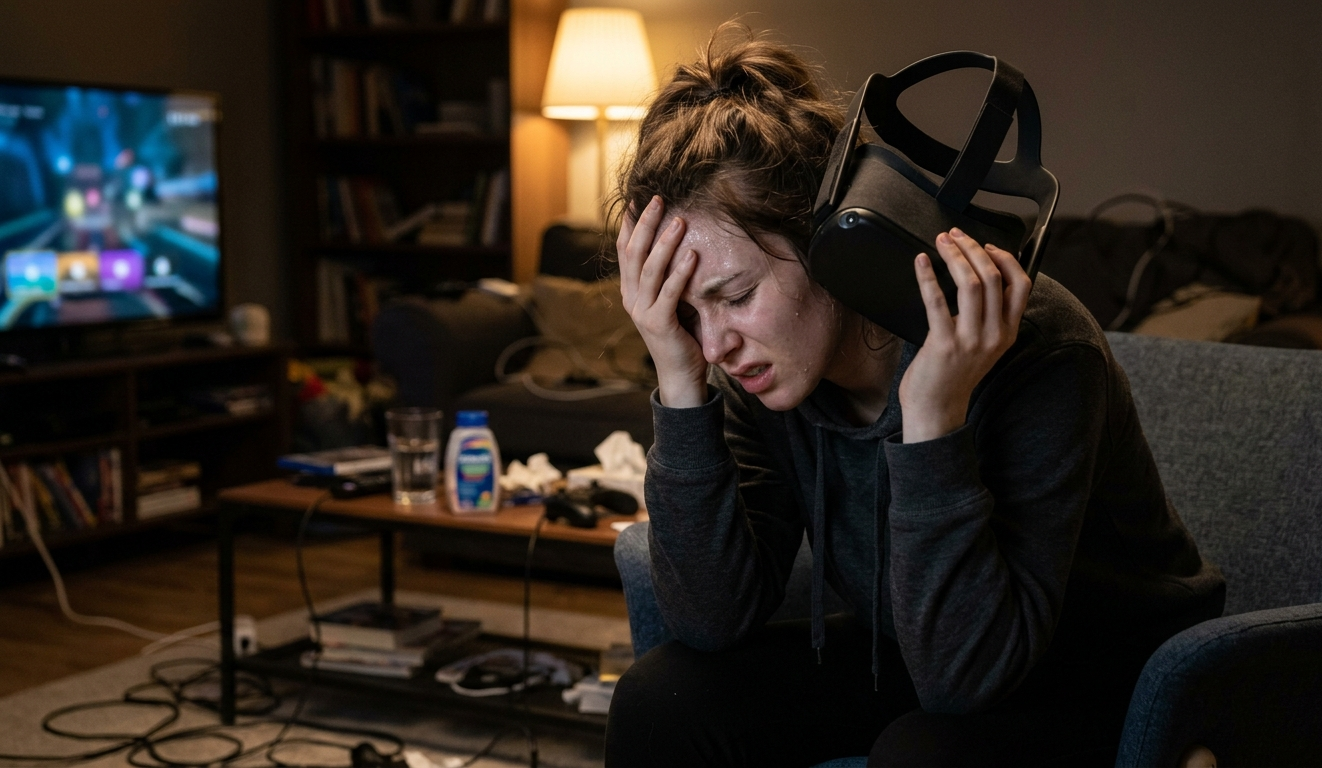
You put on the headset.
Everything looks incredible.
Five minutes later… your stomach files a formal complaint.
If that sounds familiar, welcome to the club. VR motion sickness hits a lot of people early on, but the good news is this: you can train past it.
This isn’t about powering through like a hero. That usually makes it worse. Think of it more like building tolerance, like getting your “VR legs.”
🎯 1. Stop Before You Feel Sick
This is the golden rule most people ignore.
Don’t wait until you feel nauseous. By then, it’s already too late.
- Start with 10–15 minute sessions
- The moment you feel slightly off, take the headset off
- Rest for at least 20–30 minutes before going back in
If you push through, your brain starts associating VR with feeling sick. That’s the opposite of what you want.
🪑 2. Start Sitting Down (Yes, Really)
Standing and moving around looks cooler, but your brain disagrees at first.
- Sit in a chair for your first few sessions
- Keep your movements slow and controlled
- Avoid fast turning or artificial movement
Once your brain gets used to VR, you can level up to standing.
🎮 3. Choose the Right Games First
Not all VR games are beginner-friendly.
Avoid:
- Fast movement
- Smooth locomotion (walking with a joystick)
- Rollercoaster-style experiences
Start with:
- Stationary games
- Slow-paced experiences
- Rhythm or puzzle games
Your brain needs time to sync what you see with what your body feels.
🌬️ 4. Use a Fan (Simple but Weirdly Effective)
A small fan blowing toward you can make a big difference.
Why it works:
- Keeps you cool
- Gives your brain a sense of direction
- Reduces that “floating” feeling
It’s like giving your body a tiny anchor in reality.
👀 5. Reset Your Eyes Between Sessions
This is the one people overlook.
After a VR session:
- Don’t jump straight back in
- Look at real-world objects at different distances
- Give your eyes at least 20–30 minutes to reset
VR locks your focus at a fixed distance, which can mess with your eyes if you overdo it.
⚙️ 6. Adjust Your Settings (This Matters More Than You Think)
Most VR systems have comfort settings. Use them.
Look for:
- Snap turning instead of smooth turning
- Vignette (dark edges while moving)
- Lower movement speed
These might feel less immersive, but they dramatically reduce sickness early on.
🧠 7. Train Your Brain Gradually
This is the long game.
- Play a little every day
- Slowly increase session length
- Revisit games that made you uncomfortable before
What feels impossible today can feel completely normal in a week or two.
🚫 What NOT to Do
Let’s save you from the classic mistakes:
- Don’t “push through” nausea
- Don’t start with intense games
- Don’t play for hours on day one
- Don’t ignore early warning signs
That’s how people end up quitting VR entirely.
🧩 Final Thought
VR motion sickness isn’t a flaw, it’s a mismatch between your eyes and your inner ear. You’re basically teaching your brain a new language.
Take it slow. Build tolerance. Respect the signals.
Before long, what once felt like a spinning carnival ride will feel like second nature.
Void Respawn